IPTV Smarters Pro einrichten: Anleitung für Fire TV Stick, Smart TV und Handy
So installieren Sie IPTV Smarters Pro auf Fire TV Stick, Android TV, iPhone und Smart TV und melden sich mit Xtream Codes oder M3U-Link an.
Read guideWe use a few cookies
Necessary ones keep you signed in. Analytics and marketing are optional and off until you say otherwise. Cookie policy.
Nothing optional has been set yet. Choose what you are happy with — you can change it any time from the footer.
Strictly necessary
Sign-in, your basket, security and load balancing. The site cannot work without these, so there is nothing to turn off.
Analytics
Anonymous page and referrer counts on the public marketing pages, so we know which guides are worth writing. Never used inside your account or the admin panel.
Marketing
Measures whether an advert led to a subscription. Off unless you turn it on — nothing is set before you choose.
Full detail in our cookie policy.
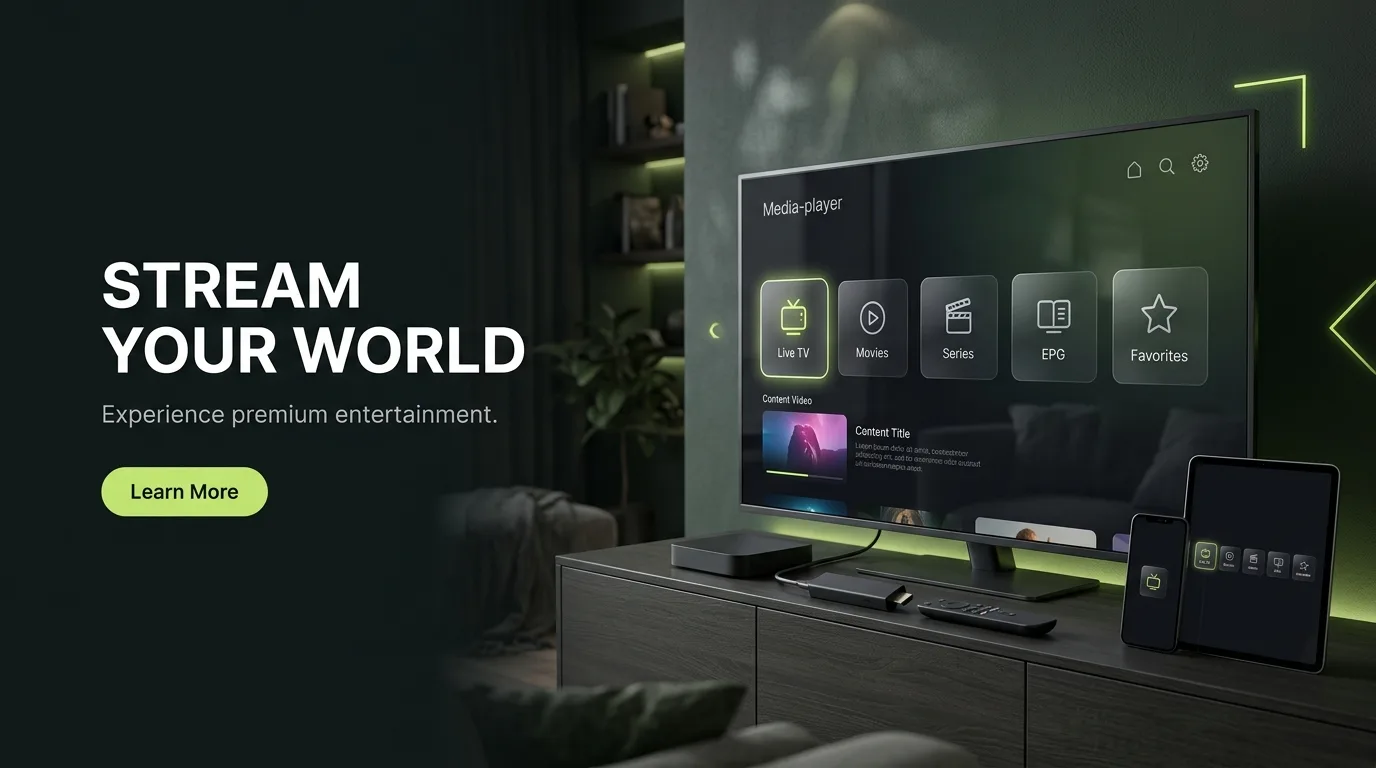
IPTV Smarters Pro is one of the most accessible and widely-used IPTV media players in the UK. With a clean, categorised layout separating Live TV, Movies, and Series, it allows users to connect compatible playlists on Amazon Firestick, Android TV, and supported Smart TVs.
IPTV Smarters Pro is a standalone media player software application designed for end-users to stream video content, live television broadcasts, and on-demand catalogues using their own playlist credentials. Developed by WHMCS Smarters, the application is widely recognized for its accessible tile-based dashboard that categorises content into Live TV, Movies, and Series. It is compatible with a broad range of operating systems including Amazon Fire TV, Android TV, select Smart TVs, smartphones, tablets, and desktop computers.
App Highlights
Smarters Pro focuses on simplicity and ease of use, providing the essential tools needed for everyday entertainment across your household screens.
Direct access to Live TV, Movies, Series, and EPG tabs with clean tile navigation for remote controls and touchscreens.
Fast credentials login using Server URL, Username, and Password with automatic category parsing and live guide sync.
Electronic programme guide showing current programming, upcoming schedules, channel logos, and show summaries.
Multi-screen viewing capabilities on supported versions to monitor multiple live sport fixtures simultaneously.
Built-in master PIN protection to secure sensitive channels, adult bouquets, and account configuration settings.
Switch between native internal players, ExoPlayer, and external options like VLC for smooth audio/video decoding.
Bookmark favourite sports and national channels for instant one-click access without searching large playlists.
Store multiple user profiles or backup playlists within a single application install for convenient switching.
Platform Ecosystem
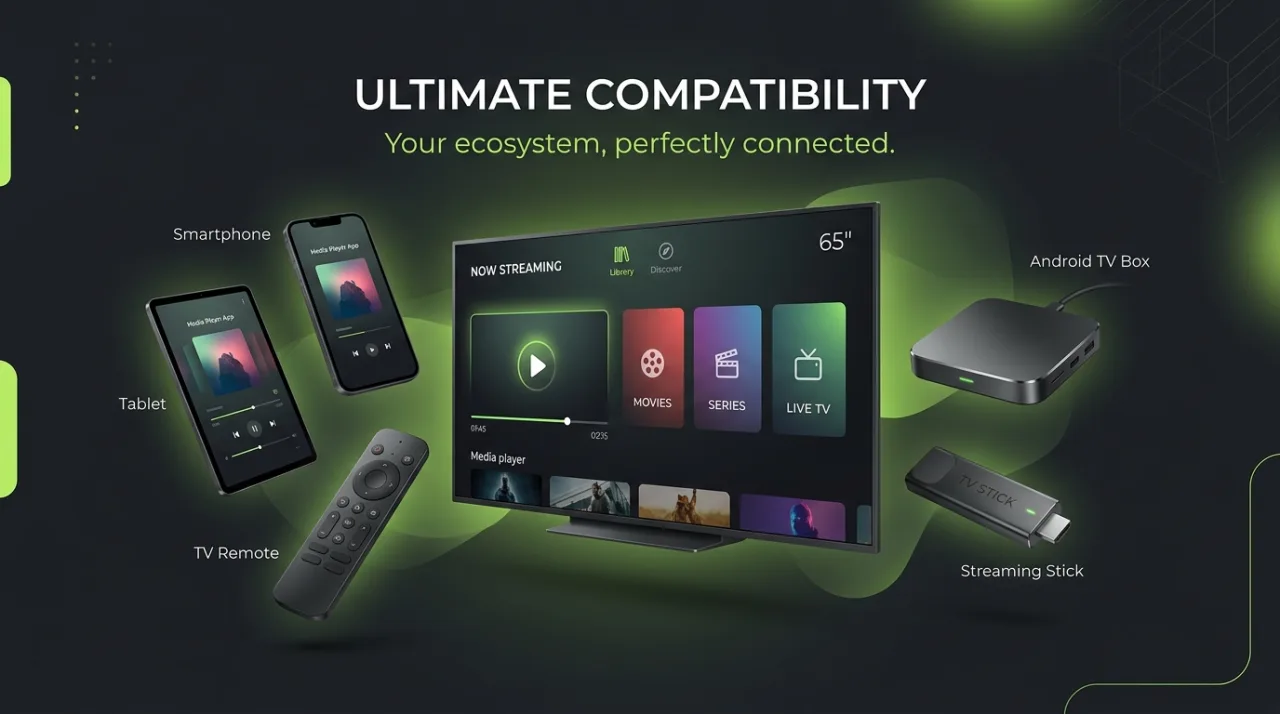
One of the strongest advantages of IPTV Smarters Pro is broad multi-platform support. Whether you stream on a living room TV, a smartphone, or a desktop computer, Smarters offers a unified experience.
Fire OS models such as the Fire TV Stick 4K Max and Fire TV Cube, via the Downloader app. Not on the newer Vega OS sticks. Our Firestick guide covers IBO Player Pro and TiviMate.
Fire TV Guide →Chromecast with Google TV, Sony, Philips, and Nvidia Shield TV. Direct Play Store installation.
Android TV Guide →Available in select regions via Samsung Smart Hub and LG Content Store. Availability depends on model year.
Smart TV Guide →iPhone, iPad, Android smartphones, Windows PC, and macOS laptops for flexible portable viewing.
All Device Hub →Installation Overview
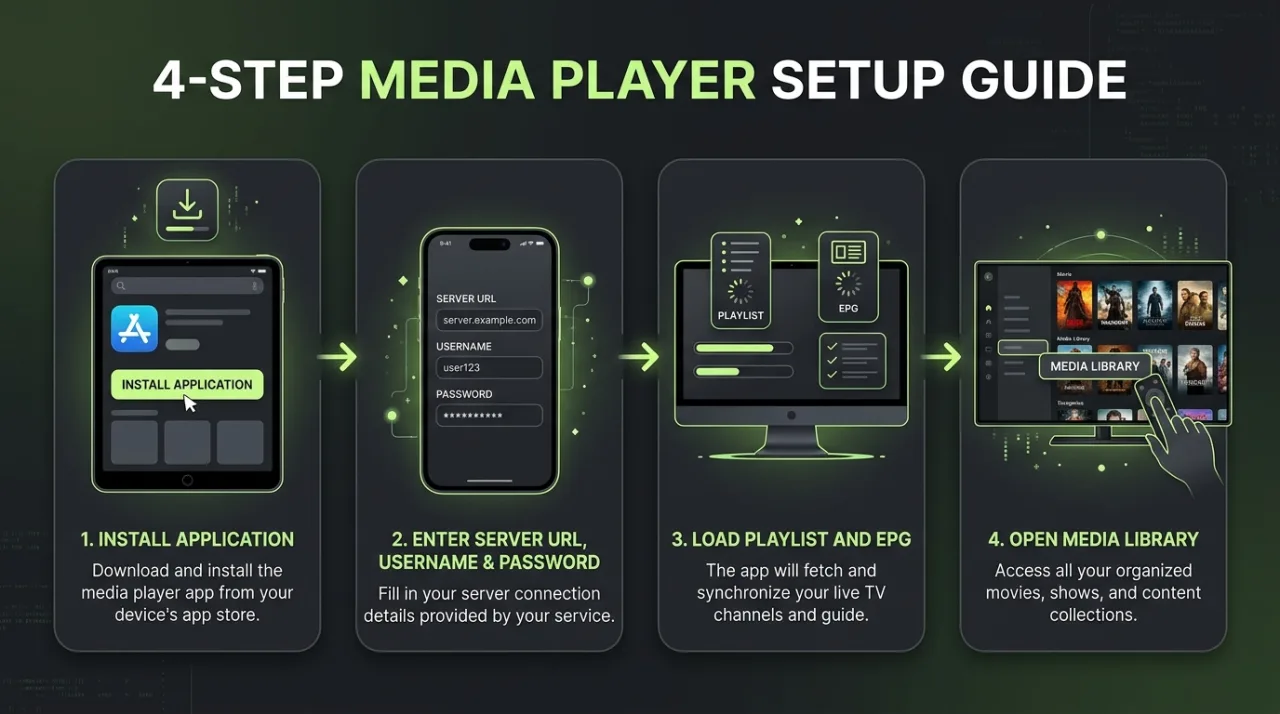
Setting up IPTV Smarters Pro on Amazon Fire TV Stick takes only a few minutes. Follow these essential steps to get up and running.
Ensure your Fire TV Stick is connected to your television and internet. Search for and install the official Downloader app from the Amazon Appstore.
Open Downloader and fetch the verified IPTV Smarters APK from the official developer source. Avoid random third-party APK mirrors to ensure app integrity and security.
Launch the application and choose "Login with Xtream Codes API". This is the recommended connection method for optimal performance and automated EPG syncing.
Enter your Server URL, Username, and Password as received upon subscribing or requesting a trial. Tap "Add User".
Allow the application a moment to fetch your live channels, on-demand titles, and electronic programme guide. You can now browse channels and set favourites.
Credentials Guide
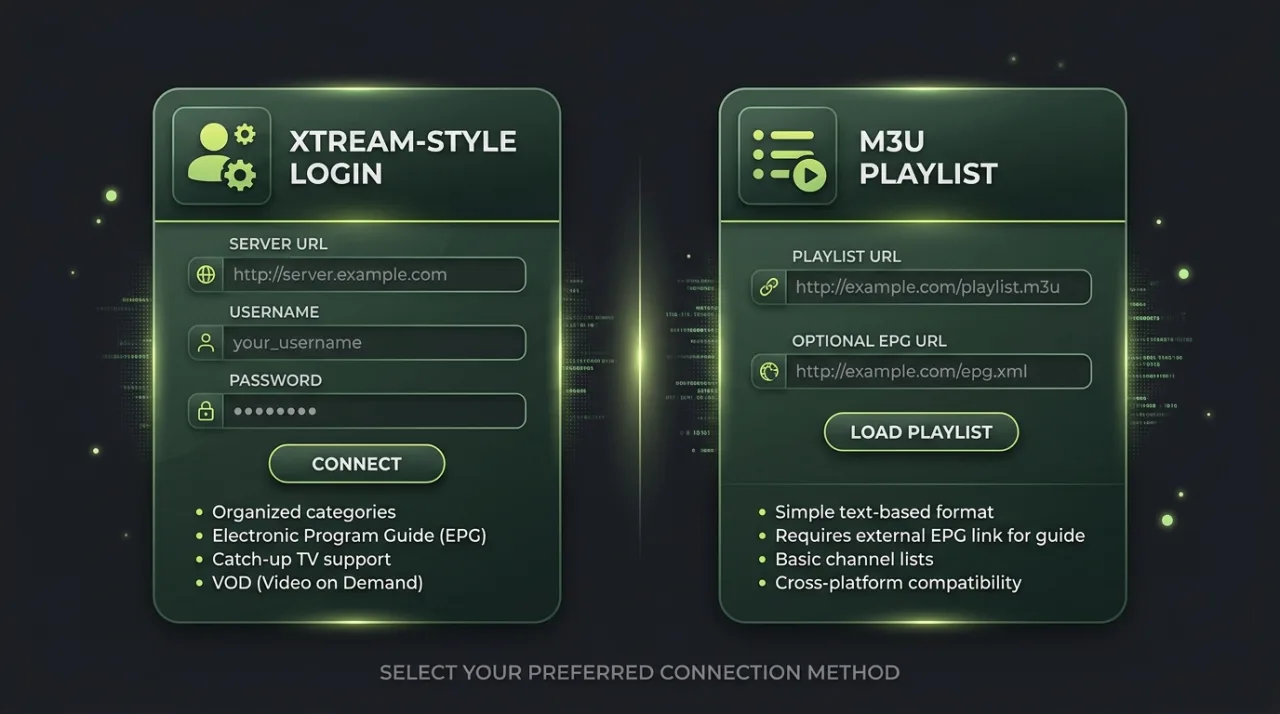
The Xtream Codes login option is the industry standard for IPTV Smarters Pro. Instead of entering an unwieldy M3U web address with a TV remote, you only need three clean fields.
Label your profile (e.g., "CompassIPTV Living Room"). This is for your local identification only.
The server host address and port provided in your activation credentials (e.g., http://server.example.com:8080).
Your confidential subscriber credentials. Case-sensitive and specific to your CompassIPTV subscription account.
Format Comparison
Both methods allow IPTV Smarters Pro to load your CompassIPTV subscription. Here is how they compare in daily usage.
| Criterion | Xtream Codes API | M3U Playlist URL |
|---|---|---|
| Input Required | Server URL, Username, Password | Long single URL string |
| Category Organization | ✓ Automatic Live, VOD & Series split | Merged single channel stream |
| EPG Integration | ✓ Automatic background guide sync | Requires secondary XMLTV URL |
| Remote Input Ease | High (short alphanumeric fields) | Low (prone to typing errors on TV) |
| Best Suited For | Fire TV, Android TV, Smart TVs | Legacy software, VLC, simple players |
Living Room Television
Many viewers prefer running IPTV directly on their television without external sticks or remotes. Here is what you need to know about native smart TV compatibility.
Samsung models manufactured after 2017 feature IPTV Smarters Pro directly in the Samsung App Store (published by TECH SMARTERS PRIVATE LIMITED). Install the application and log in with your Xtream Codes credentials.
Dedicated Samsung TV Guide →Availability on LG webOS varies by region and television model firmware. If Smarters Pro is available in your LG Content Store, installation is direct. If not, compatible alternatives like IBO Player provide identical playlist support.
Televisions running Google TV or Android TV offer the smoothest experience with direct Google Play Store access, automatic background application updates, and full compatibility with external decoders.
Performance Tuning
Fine-tune your application settings to ensure rock-solid stability, zero audio drift, and instant channel zapping.
In Settings > Player Selection, ensure the built-in media engine is set to "Built-in" or "Hardware Decoder". For tricky audio codecs, choose VLC if installed.
In Stream Format settings, select "m3u8" (HLS) for smoother adaptive streaming on variable home Wi-Fi networks, or "ts" (MPEGTS) for faster live channel switching.
Under EPG Settings, enable auto-update at launch or set the interval to daily. This guarantees your electronic guide stays synced with live broadcast schedules.
Set a custom 4-digit code in Parental Control settings to lock mature categories and protect family members from accidental access.
Every few weeks, clear the app cache from Firestick or Android TV settings to remove accumulated thumbnail data and keep menu navigation snappy.
Ensure the Time Format is set to 24-Hour (or 12-Hour) according to personal preference, and verify your TV system clock matches the UK timezone (GMT/BST).
Player Comparison
Both apps are widely used with CompassIPTV subscriptions in the UK. Comparing their core strengths helps you pick the player best suited for your setup.
| Dimension | IPTV Smarters Pro | TiviMate |
|---|---|---|
| Device Range | Fire TV, Android, iOS, Windows, Mac, Smart TVs | Android TV & Amazon Fire OS only |
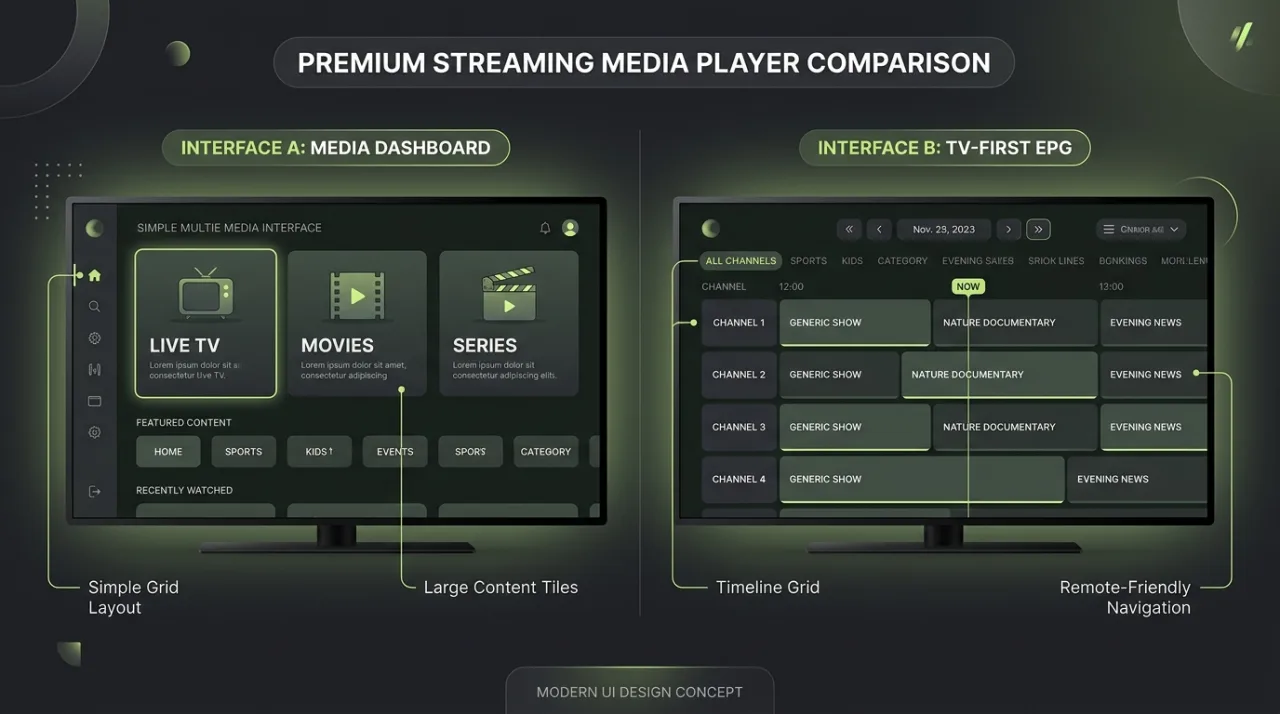
| Primary Interface | Tile dashboard (Live TV, Movies, Series) | Full-screen TV programme guide timeline |
| Ease of Setup | Extremely straightforward credentials entry | Advanced configuration options |
| EPG Experience | Standard category programme guide | Broadcast-grade customizable timeline grid |
| Best Use Case | Multi-device households & simple navigation | Living room TV-first remote control viewing |
Troubleshooting
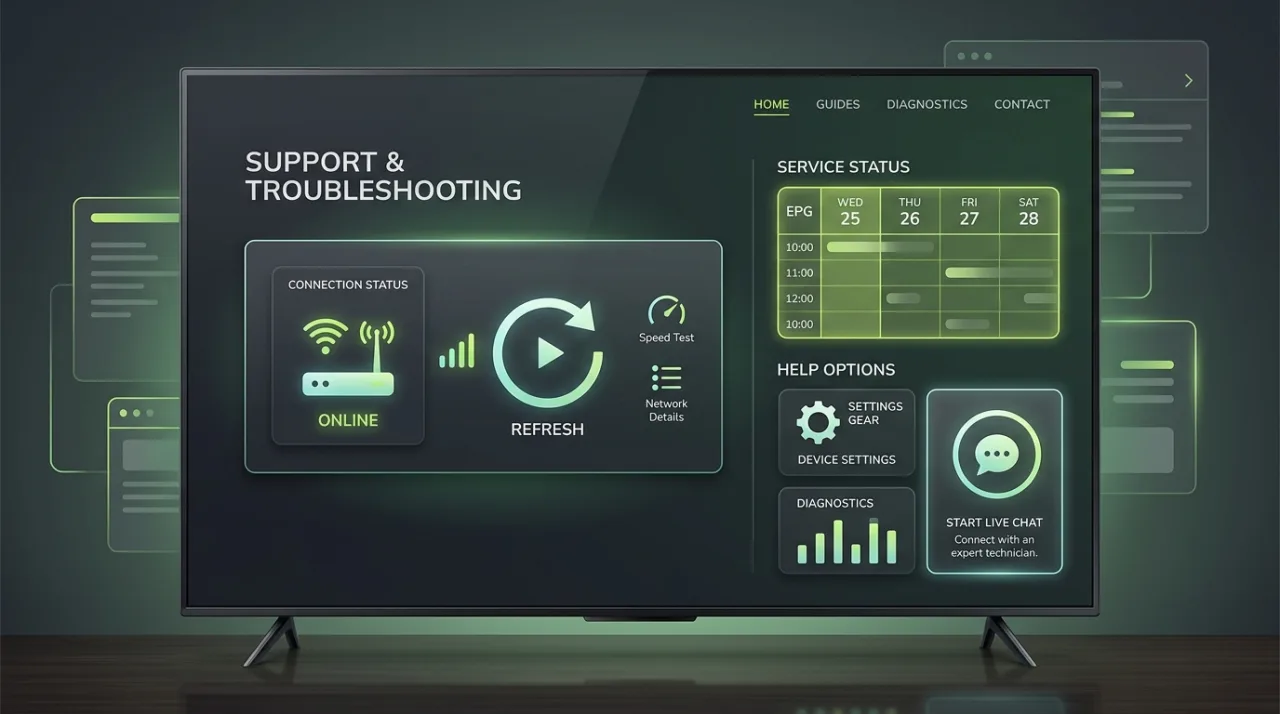
Most playback or connection problems stem from network timeouts, incorrect credentials, or local app cache issues.
Probable Cause: Mismatched Server URL, expired account credentials, or accidental whitespace before/after the username or password.
Quick Check: Verify the exact server address including http:// and port number. Check that your CompassIPTV subscription or free trial is currently active.
Next Action: Retype credentials carefully without copy-paste trailing spaces. If the issue persists, contact 24/7 support for an immediate account check.
Probable Cause: Temporary local network timeout, slow internet connection, or device firewall restrictions.
Quick Check: Test your connection by opening another streaming app on the same device. Verify your device date and time are synchronized.
Next Action: Select "Refresh Live, VOD & Series" from the Smarters settings menu. Restart your broadband router to refresh DNS routes.
Probable Cause: Wi-Fi signal degradation, network congestion, or background apps consuming memory on Firestick.
Quick Check: Check your download speed using the built-in speed test or a browser. Ensure you have at least 15–25 Mbps for steady HD/4K playback.
Next Action: Go to Smarters Settings > Player Selection and switch from the default player to VLC or Hardware Decoder. Connect via wired Ethernet if possible.
Probable Cause: Hardware video decoder conflict with the stream codec (HEVC/H.265 or MPEG-4).
Quick Check: Confirm whether the issue happens on all channels or only specific 4K / 50fps sports broadcasts.
Next Action: In IPTV Smarters settings, navigate to "Player Selection" and choose an alternate decoder engine, or install VLC as an external player.
Probable Cause: Low internal flash memory or excessive cached thumbnails on older Firestick or Smart TV hardware.
Quick Check: Check available device storage under Fire TV Settings > Applications > Manage Installed Applications.
Next Action: Select IPTV Smarters and tap "Clear Cache" (do not select Clear Data). Ensure your device has at least 1 GB of free storage space.
Probable Cause: Account connection limit reached, or the TV is connected to a different Wi-Fi network subnet/router.
Quick Check: Verify how many simultaneous connections your CompassIPTV plan includes (1, 2, or 3 concurrent connections).
Next Action: Close the app on your mobile device before launching on your TV, or upgrade your plan to support multiple simultaneous screens.
Subscription Plans
Connect CompassIPTV to IPTV Smarters Pro with instant Xtream Codes activation. Every plan includes full access to live sports, UK entertainment, movies, and automated EPG guide data.
1 Month
£9.99
1 screen
Connections
Simultaneous streams
3 Months
£19.99
£6.66 a month · 1 screen
Connections
Simultaneous streams
6 Months
£36.99
£6.17 a month · 1 screen
Connections
Simultaneous streams
12 Months
Most Popular£49.99
£4.17 a month · most chosen
Connections
Simultaneous streams
24 Months
Best Value£89.99
£3.75 a month · 1 screen
Connections
Simultaneous streams
Test Before Subscribing
Test our channel reliability, sports streaming stability, and comprehensive EPG guide in IPTV Smarters Pro before committing to a paid plan.
Learn more on our IPTV Free Trial UK page.
Frequently Asked Questions
Clear answers to the most common questions regarding IPTV Smarters setup, login methods, compatibility, and troubleshooting.
Have another question? Browse our full Knowledgebase FAQ or contact Support.
Helpful guides
Find focused help for login, EPG, playback and device setup problems in IPTV Smarters.
So installieren Sie IPTV Smarters Pro auf Fire TV Stick, Android TV, iPhone und Smart TV und melden sich mit Xtream Codes oder M3U-Link an.
Read guideInstallez IPTV Smarters Pro sur votre appareil et ajoutez votre abonnement IPTV en quelques minutes, étape par étape, avec les erreurs de connexion les plus fréquentes.
Read guideIPTV Smarters login failed on Firestick or Smart TV? Check credentials, portal URL, account status, cache, VPN, DNS and provider issues in the right order.
Read guideIPTV Smarters guide missing or showing the wrong time? Diagnose EPG refresh, device time, cache, channel matching and provider-side issues safely.
Read guideReady for Seamless Streaming?
Experience crystal-clear live television, rich EPG guides, and smooth multi-device streaming across your Firestick, Android TV, and smart displays.
Need a hand?