The CompassIPTV app for Firestick & Android TV
Live TV with a TV guide, films and series, made for the remote. Sign in with your CompassIPTV login and start watching in two minutes.
Version 0.5.0 · 5.5 MB · Android 5.1+ / Fire OS 5+
On a Firestick, open Downloader and type
compassiptv.com/apk
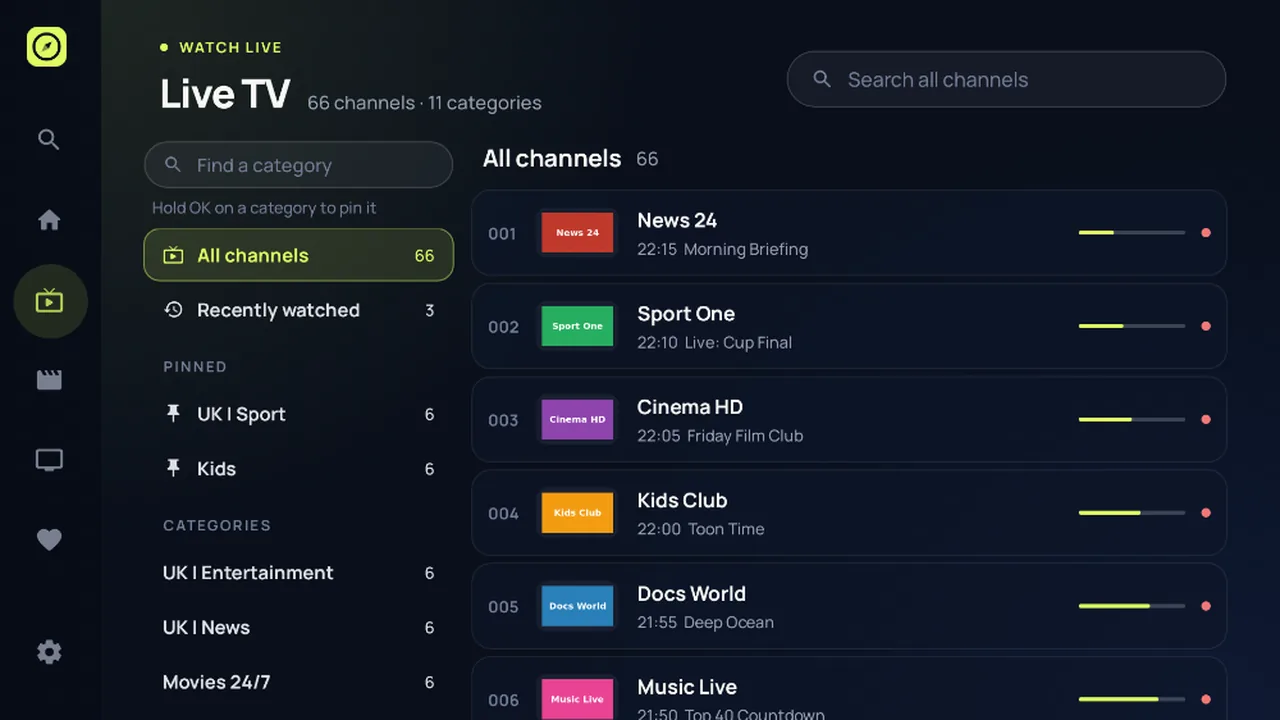
Screens show sample content.
Install
How to install the CompassIPTV app
Fire TV Stick & Fire TV
- From the Home screen, search for Downloader and install it (free, orange icon).
- Go to Settings > My Fire TV > Developer options > Install unknown apps and turn it on for Downloader. No Developer options? Open About and click your device name 7 times.
- Open Downloader, type compassiptv.com/apk and press Go.
- Choose Install, then Open. Delete the downloaded file when asked to save space.
- Sign in with the details from your welcome message.
Android TV & Google TV
- Install Downloader by AFTVnews from Google Play.
- Allow it to install apps: Settings > Apps > Security & restrictions > Unknown sources (the menu name varies by TV brand).
- Open Downloader, type compassiptv.com/apk and press Go.
- Install and open the app, then sign in.
Android phones & tablets
- On your phone, tap Download APK.
- Open the file and allow your browser to install apps when Android asks.
- Tap Install, open the app and sign in. It plays in landscape.
iPhone, Apple TV, Samsung or LG TV? See our setup guides for the best player on each.
Inside the app
Everything in one place
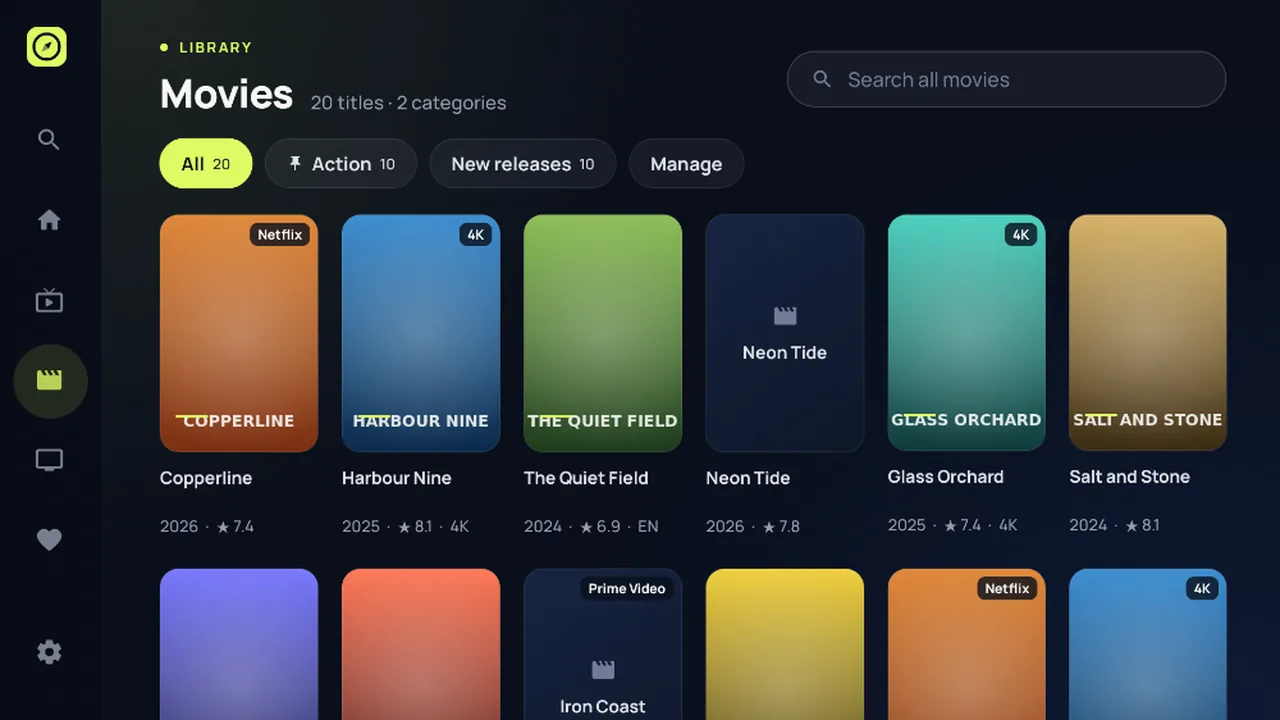
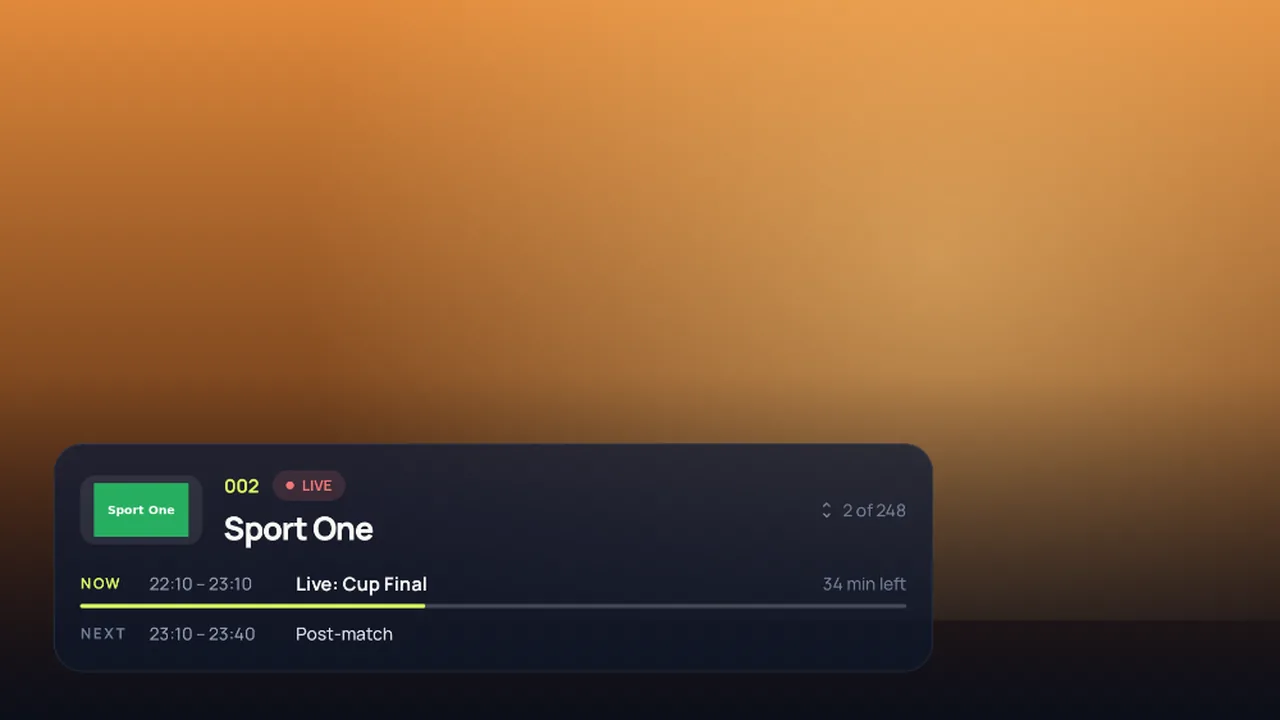
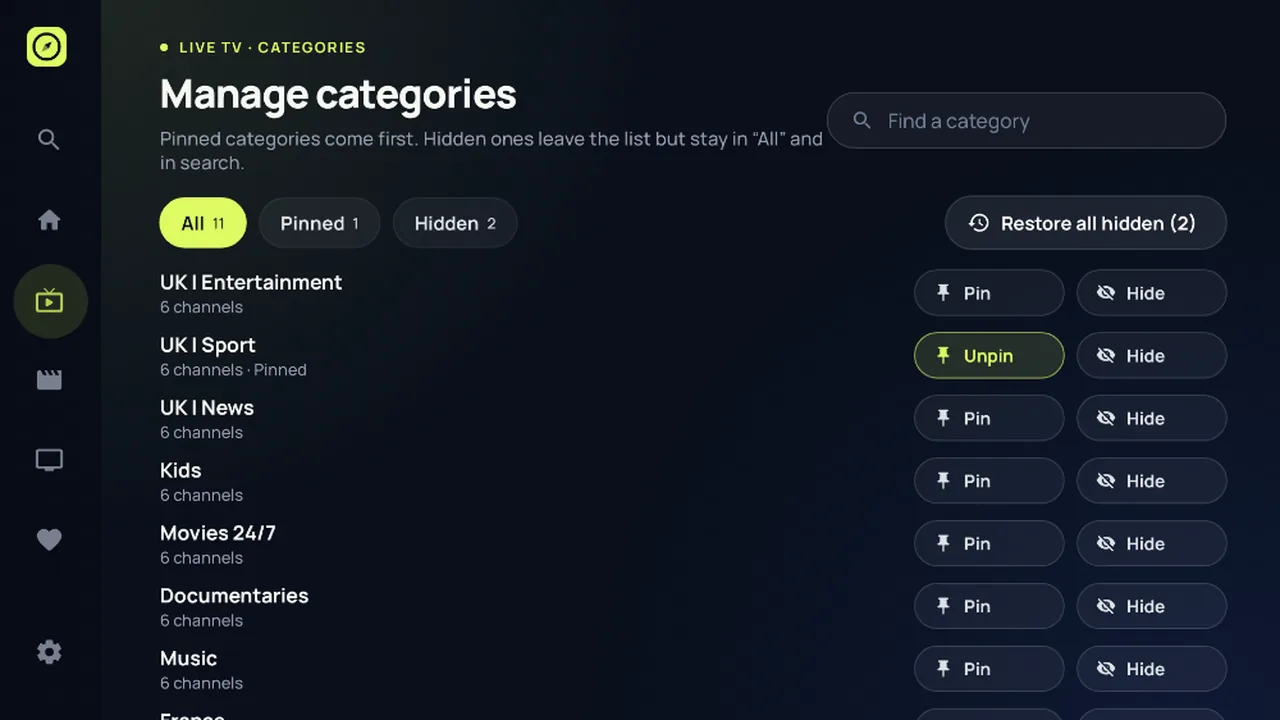
Live TV with TV guide
Categories you can search, pin and hide, what's on now and next, and Up/Down to change channel.
Films and series
Posters, clean titles, seasons and episodes, and Continue watching that remembers where you stopped.
Made for the remote
Big readable screens, a clear focus outline and a menu that opens when you need it.
Favorites and search
Save films and series, and find anything across live TV, films and series in seconds.
Your account at a glance
Days left, renewal and WhatsApp help by QR code, straight from Settings.
Updates built in
New versions install from inside the app; your login and favourites stay.
Version 0.5.0
Clearer titles, movie posters on Home, category search, pin and hide, and smoother remote navigation.
- Released
- 4 November 2026
- Size
- 5.5 MB
- Works on
- Android 5.1+, Fire OS 5+
- Package
- com.compassiptv.app
- SHA-256 fingerprint of the file
- 5b5cd70d4f8b2d7fd6a1fca0e2a86eaa42164529cf8402de130520de02ad16f2
Only download the app from compassiptv.com. The app is a player: it doesn't include any channels until you sign in with your CompassIPTV subscription or trial.
CompassIPTV app questions
Need help installing? Contact support or see the Firestick guide.
No login yet?
Try CompassIPTV free for 24 hours, no card needed. We send your login on WhatsApp.